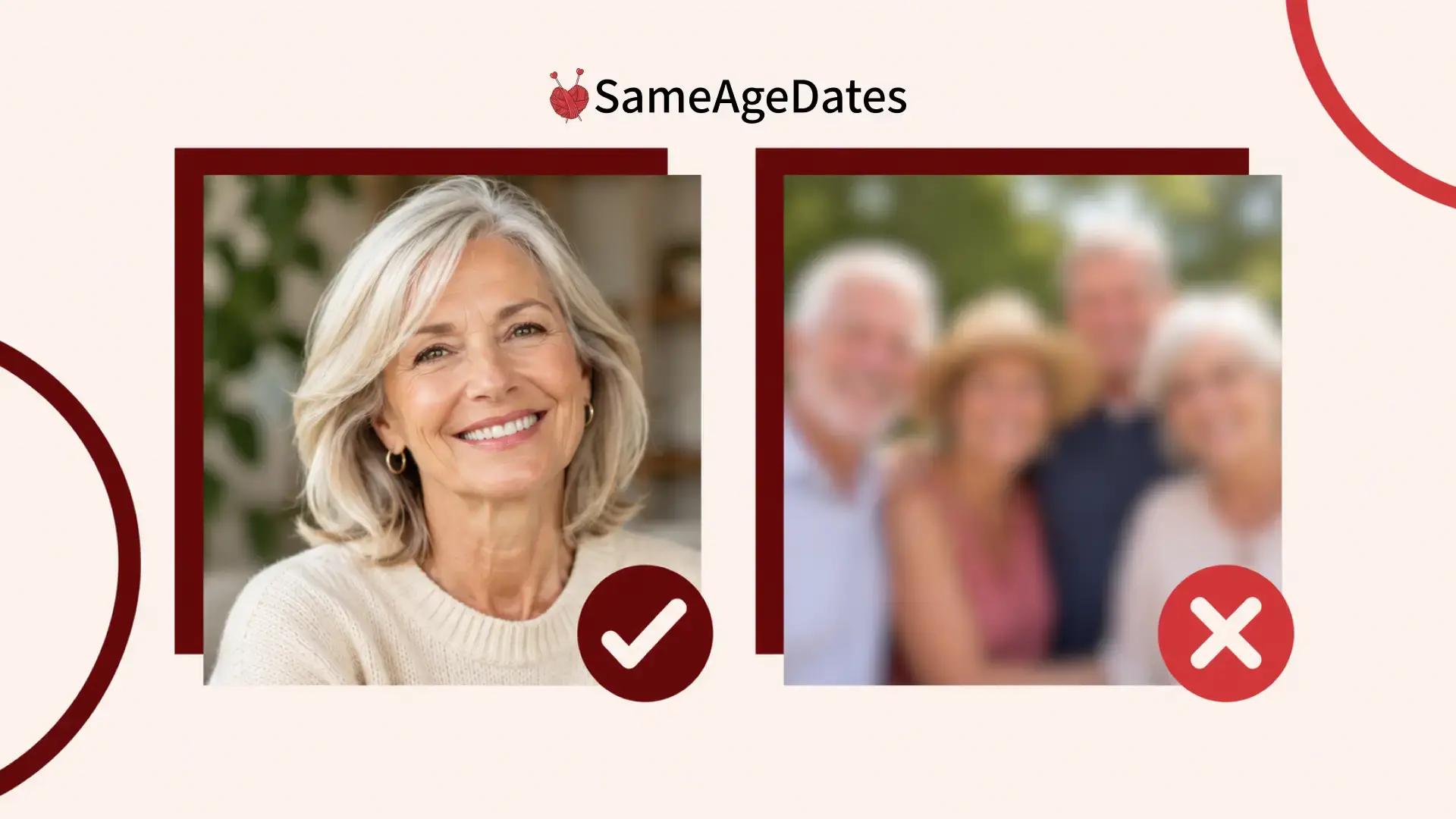
A profile photo says a lot in very little space. It sets the tone for everything written underneath it, which is why photo questions come up so often and why a short, plain guide is worth reading before you upload anything. This guide sorts them into three groups: green, yellow, and red. Find the group that fits your photo, and you will know what to do before you upload.
We wrote it for people setting up a profile on SameAgeDates for the first time, and for anyone who wants a quick refresher. One note before we start: some of what follows is a rule, and some is advice. We mark the difference as we go.
How Photo Review Works
Every public photo goes through automated AI review before it appears. A photo that goes against the community guidelines is not published. If you think a photo was removed by mistake, you can submit an appeal through your account settings.
That is the whole mechanism, and it explains why the rest of this guide matters. The review applies the community guidelines, so knowing the guidelines helps you choose a photo that gets through. This guide focuses on the public photos on your profile.
Green Light: Photos That Work
These are suggestions, not rules. They come from one idea: a photo should give a reader something to ask about.
-
A clear photo where your face is easy to see
-
Natural light, since it shows more of you than a flash does
-
Something in the frame that starts a conversation, such as a hobby, an instrument, a trail, or a half-finished jigsaw
-
A recent photo, so the person who writes to you is writing to the person in the picture
-
One strong photo over five weak ones
Take the hobby example. A reader who sees a guitar in the corner has a question ready, and that question is easier to write than a general hello. With nothing in the frame, a photo gives the reader less to work with, and a first message built on a blank background tends to stay generic.
A Simple Home Photo Session
You don't need a studio. A phone and a spare afternoon are enough, and a few small habits make a visible difference.
-
Stand near a window and face the light
-
Hold the phone at eye level, because a camera tilted up or down changes how a face looks
-
Wipe the lens first
-
Take a dozen shots, then choose the plainest one, since the posed shots tend to look stiff once you see them side by side
-
Ask a friend to take a few if you can, and let them catch you doing the thing you chose for the frame
Keep the background simple, and check it for anything from the yellow list below before you choose.
Yellow Light: Photos to Think Twice About
Nothing here is banned. These photos tend to make a profile harder to read, or they show more than the owner meant to share.
-
Crowded group shots, where a reader can't tell which person is you
-
Heavy filters, or sunglasses in every picture
-
A house number, a street sign, or a company badge visible in the background
-
Photos of documents, tickets, or screens
-
An old photo you no longer look like
The background deserves a second look. A photo taken in front of your building can give away an address without a single word of text. Check the edges of the frame before you upload, and crop if you need to.
Red Light: What You Can't Post
This group is a rule. The platform prohibits adult content and copyrighted content, and a photo that goes against the community guidelines is not published.
-
Nudity, and sexually suggestive material of any kind
-
Images you don't have the right to use, such as a picture copied from a website, a magazine, or another person's account
-
Chain letters and spam, including images made to spread them
People are often surprised by the copyright point. A photo you found online may look harmless, but it belongs to whoever made it, and using it on your profile is not the same as having permission. Use pictures you took yourself, or ones you have permission to use.
A Quick Sort
Below, the table lets you check a photo against all three groups, side by side.
|
Photo |
Light |
Why |
|
A recent, clear photo of you |
Green |
Easy to read, easy to start a conversation from |
|
You with a hobby or object in frame |
Green |
Gives the reader something to ask |
|
A crowded group shot |
Yellow |
The reader can't tell which person is you |
|
A photo with a street sign in view |
Yellow |
Shows more than you meant to share |
|
A photo you copied from a website |
Red |
Copyrighted content is prohibited |
|
Anything with nudity |
Red |
Adult content is prohibited |
If a Photo of Yours Is Removed
A removal is a decision about one photo, not about you. You have two sensible moves, and which one fits depends on what you think happened.
-
If you believe the photo followed the guidelines, submit an appeal through your account settings
-
If you can see it went against them, replace it with a different photo and move on
The appeal is the only route we describe here, and it is the right place to start, since it goes through your account settings and does not depend on guessing why a photo was removed. Questions about a specific photo can also go to support.
If Someone Else's Photo Bothers You
Photos on other profiles can raise questions too. You can report a profile, a photo, a message, or a newsfeed post, and our team reviews the report. Blocking is available from a profile page or from inside a conversation, with or without a report, and the two tools work independently of each other.
Keep your own limits in place while you wait. Don't send money, gift cards, or personal documents, and keep your phone number, street address, and workplace to yourself.
Before You Upload: A Four-Question Check
Run through these once, and you will catch most problems before the review does.
-
Is this me, and is it recent?
-
Would I be comfortable with anyone browsing seeing every detail in the frame?
-
Do I own this photo, or have permission to use it?
-
Does anything in it go against the community guidelines?
Four yes answers mean the photo is ready. A no on any question means a swap or a crop.
Where Photos Fit in the Bigger Picture
Photos are one part of a profile. Our guide to SameAgeDates features shows how the rest fits together. Profile activity on the platform is not visible to search engines. Anyone browsing the site can still see your public photos, so choose them with that in mind.
If something is unclear, support is available around the clock at support@sameagedates.help, with an initial response within 24 hours and complex questions resolved within five days.
One Last Look
Open your profile and look at the first photo only. If it tells a reader one specific thing about you, keep it. Otherwise, swap it for one that does. That is the whole test for a photo on SameAgeDates.